Best AI Video Editing Software for Creators: Top 12 Platforms Transforming Content Creation in 2026
Discover the best AI video editing software for creators in 2026. Compare features, pricing, and capabilities of top platforms that automate editing workflows.
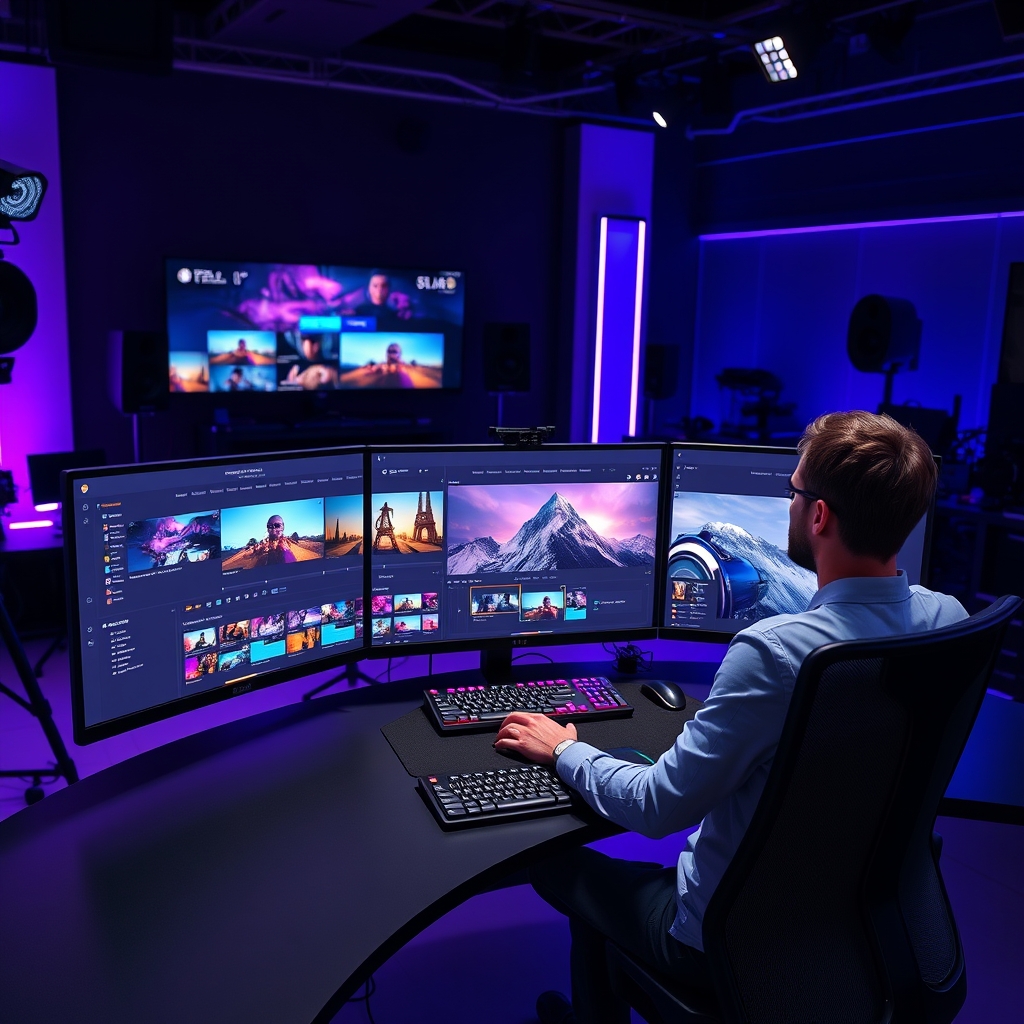
Best AI Video Editing Software for Creators: Top 12 Platforms Transforming Content Creation in 2026
The best AI video editing software for creators is revolutionizing how content producers approach video production in 2026. With artificial intelligence automating time-consuming tasks like color correction, audio enhancement, and even scene transitions, creators can now focus on storytelling while AI handles the technical heavy lifting.
According to recent market research by Grand View Research, the AI video editing market is projected to reach $3.04 billion by 2030, growing at a CAGR of 23.2% from 2026 to 2030. This explosive growth reflects the increasing adoption of AI-powered tools that democratize professional video editing capabilities.
Why AI Video Editing Software is Essential for Modern Creators
Traditional video editing requires extensive technical knowledge and countless hours of manual work. AI-powered platforms are changing this paradigm by offering:
- Automated scene detection and cutting
- Intelligent color grading and correction
- Real-time audio enhancement and noise reduction
- Automatic subtitle generation and translation
- Smart object removal and background replacement
- Predictive rendering that reduces export times
Just as AI automation tools are transforming small businesses, video editing AI is enabling individual creators to produce professional-quality content without large production teams.
How AI is Revolutionizing Video Editing Workflows
Machine Learning in Video Analysis
Modern AI video editors leverage sophisticated machine learning models to understand video content at a granular level. These systems can:
- Identify key moments in raw footage automatically
- Recognize faces and objects for targeted editing
- Analyze audio patterns to sync with visual elements
- Predict optimal cut points based on content flow
Computer Vision Applications
The integration of computer vision technology enables AI video editors to “see” and understand visual content, powering features like:
- Automatic object tracking and masking
- Scene composition analysis
- Motion detection and stabilization
- Content-aware scaling and cropping
Top 12 Best AI Video Editing Software for Creators in 2026
1. Adobe Premiere Pro with Sensei AI
Best For: Professional creators and agencies Pricing: $20.99/month
Adobe’s flagship editor integrates their Sensei AI platform to provide:
- Auto Reframe for social media optimization
- Scene Edit Detection for imported footage
- Color Match for consistent grading across clips
- Audio cleanup powered by Adobe’s Enhance Speech AI
Key AI Features:
- Intelligent audio ducking
- Automatic captions with 95% accuracy
- Smart trimming based on content analysis
- Morph Cut for seamless interview editing
2. DaVinci Resolve with Neural Engine
Best For: Color grading and professional post-production Pricing: Free (Studio version: $295 one-time)
Blackmagic’s Neural Engine delivers Hollywood-level AI capabilities:
- Speed Warp for realistic slow-motion effects
- Face refinement and skin tone correction
- Object removal without green screen
- Super Scale for upscaling footage to 8K
3. Runway ML
Best For: Creative experimentation and AI-first editing Pricing: $15-35/month based on usage
Runway represents the cutting edge of AI video editing with features like:
- Text-to-video generation
- Real-time green screen removal
- Style transfer for artistic effects
- Motion tracking with single-click setup
4. Descript
Best For: Podcast and interview editing Pricing: $12-24/month
Descript’s text-based editing approach uses AI to:
- Generate transcripts with speaker identification
- Remove filler words automatically
- Clone voices for seamless overdubs
- Create AI avatars for synthetic media
5. Pictory
Best For: Social media content and short-form videos Pricing: $19-39/month
Pictory’s AI excels at transforming long-form content:
- Article-to-video conversion
- Automatic highlight reel creation
- Brand-consistent templates
- Voice-over generation in multiple languages
6. InVideo AI
Best For: Marketing teams and small businesses Pricing: $15-30/month
InVideo’s AI assistant handles:
- Script-to-video automation
- Brand kit integration
- Multi-language video creation
- Automated A/B testing for video performance
7. Synthesia
Best For: Corporate training and educational content Pricing: $30-67/month
Synthesia specializes in AI avatar technology:
- Custom AI presenter creation
- Multi-language video localization
- Automated script reading with natural gestures
- Brand-compliant video templates
8. Lumen5
Best For: Content marketers and bloggers Pricing: $19-149/month
Lumen5’s AI transforms written content into videos:
- Blog post to video conversion
- Automated image and video selection
- Brand-consistent styling
- Social media optimization
9. FlexClip AI
Best For: Beginners and casual creators Pricing: $9.99-19.99/month
FlexClip offers accessible AI features:
- One-click video generation from URLs
- Auto subtitle generation
- Background music recommendations
- Template-based editing with AI assistance
10. Kapwing
Best For: Teams and collaborative editing Pricing: $16-50/month
Kapwing’s collaborative AI features include:
- Smart cut for removing silent parts
- Auto-generated subtitles with styling
- Background removal without green screen
- Team workflow automation
11. Clipchamp (Microsoft)
Best For: Windows users and Office 365 integration Pricing: $11.99/month (included with Microsoft 365)
Microsoft’s acquisition brings enterprise AI to video editing:
- Speaker coach for presentation videos
- Brand kit enforcement
- Automated accessibility features
- Integration with Microsoft’s AI ecosystem
12. Magisto (Vimeo)
Best For: Event videography and personal projects Pricing: $4.99-34.99/month
Vimeo’s AI-powered editor offers:
- Emotional analysis for music selection
- Automated story creation
- Face recognition for smart editing
- Style transfer based on professional templates
Key Features to Look for in AI Video Editing Software
Essential AI Capabilities
When evaluating AI video editing platforms, prioritize these features:
-
Automated Transcription and Subtitles
- Accuracy rates above 90%
- Multi-language support
- Custom vocabulary training
- Automated timing and formatting
-
Intelligent Scene Detection
- Shot boundary detection
- Content-based segmentation
- Automated B-roll insertion
- Transition recommendations
-
Audio Enhancement
- Noise reduction and cleanup
- Voice isolation and enhancement
- Automatic mixing and leveling
- Music synchronization
-
Visual Effects Automation
- Color correction and grading
- Stabilization and motion blur
- Object tracking and masking
- Background replacement
Advanced AI Features for 2026
The latest AI video editors incorporate cutting-edge capabilities:
- Generative AI for creating missing footage
- Style transfer for artistic effects
- Voice cloning for consistent narration
- Predictive rendering for faster exports
- Content-aware editing that understands context
Choosing the Right AI Video Editing Software for Your Needs
For Individual Creators
Budget-Conscious Options:
- DaVinci Resolve (free version)
- FlexClip AI
- Clipchamp
Feature-Rich Platforms:
- Adobe Premiere Pro
- Runway ML
- Descript
For Businesses and Teams
Marketing Teams:
- InVideo AI
- Lumen5
- Pictory
Enterprise Solutions:
- Adobe Creative Cloud for Teams
- Synthesia for training content
- Kapwing for collaboration
For Content Creators
YouTube Creators:
- DaVinci Resolve
- Adobe Premiere Pro
- Pictory for thumbnails and shorts
Social Media Influencers:
- InVideo AI
- FlexClip AI
- Runway ML for creative effects
Implementation Best Practices for AI Video Editing
Successfully integrating AI video editing tools requires strategic planning. Similar to how businesses need to understand AI implementation challenges when adopting new technologies, creators should consider:
Workflow Integration
- Start with one AI feature rather than overwhelming your process
- Maintain quality control by reviewing AI-generated content
- Combine AI automation with manual creativity for best results
- Train the AI with your specific content style and preferences
Performance Optimization
To maximize efficiency with AI video editing tools:
- Use high-quality source material for better AI analysis
- Organize footage with clear naming conventions
- Leverage cloud processing when available
- Monitor AI accuracy and adjust settings accordingly
Just as understanding how to optimize AI model performance is crucial for developers, creators need to fine-tune their AI editing workflows for optimal results.
Cost Analysis: ROI of AI Video Editing Software
Time Savings Calculation
Traditional video editing for a 10-minute video might require:
- Raw footage review: 2-3 hours
- Cutting and trimming: 3-4 hours
- Color correction: 1-2 hours
- Audio cleanup: 1-2 hours
- Effects and transitions: 2-3 hours
- Total: 9-14 hours
With AI assistance, the same project might take:
- AI-assisted cutting: 30 minutes
- AI color correction with manual adjustments: 45 minutes
- Automated audio cleanup: 15 minutes
- AI-generated effects with customization: 1 hour
- Total: 2.5-3 hours
Financial Impact
For a freelance creator charging $50/hour:
- Traditional editing: $450-700 per video
- AI-assisted editing: $125-150 per video
- Potential savings: $325-550 per video
Businesses can use similar frameworks for measuring AI ROI to justify investments in AI video editing tools.
Future Trends in AI Video Editing
Emerging Technologies
The landscape of AI video editing continues evolving with:
- Real-time collaboration AI that coordinates multiple editors
- Emotion-aware editing that adjusts pacing based on content sentiment
- Cross-platform AI that optimizes content for different social media algorithms
- Generative video AI that creates entirely synthetic footage
Integration with Broader AI Ecosystem
Video editing AI is becoming part of larger content creation workflows, connecting with:
- AI writing tools for script generation
- Data analysis platforms for performance insights
- Customer service systems through video tutorial automation
- Marketing automation for personalized video content
Ethical Considerations and Best Practices
As AI video editing becomes more powerful, creators must navigate important ethical considerations. Understanding AI ethics helps ensure responsible use of these technologies:
Transparency and Disclosure
- Clearly label AI-generated content
- Maintain authenticity in personal brand videos
- Respect copyright when using AI for content creation
- Consider deepfake implications with advanced AI features
Quality and Accuracy
- Review AI-generated subtitles for accuracy
- Verify automated translations for international content
- Test AI recommendations before applying to final videos
- Maintain editorial oversight over AI decisions
Common Challenges and Solutions
Technical Challenges
Challenge: AI features require significant processing power Solution: Utilize cloud-based rendering or invest in GPU acceleration
Challenge: Learning curve for new AI interfaces Solution: Start with basic automation features before advancing to complex AI tools
Challenge: Inconsistent AI performance across different content types Solution: Test AI tools with various footage types and adjust settings accordingly
Creative Challenges
Challenge: Over-reliance on AI reducing creative control Solution: Use AI as an enhancement tool rather than replacement for creative decision-making
Challenge: Generic AI-generated content lacking personality Solution: Customize AI settings and combine with manual creative input
Getting Started: Your First AI Video Edit
Step-by-Step Implementation
- Choose a beginner-friendly platform (FlexClip AI or Clipchamp)
- Upload a simple project (5-10 minutes of footage)
- Enable basic AI features (auto-cut, color correction)
- Review and adjust AI suggestions manually
- Export and analyze time savings vs. quality
- Gradually introduce more advanced AI features
Success Metrics to Track
- Editing time reduction percentage
- Quality consistency across projects
- Client satisfaction with AI-enhanced videos
- Revenue increase from faster turnaround times
What is the best AI video editing software for beginners in 2026?
For beginners, FlexClip AI and Clipchamp offer the most user-friendly interfaces with helpful AI automation. These platforms provide drag-and-drop editing with intelligent suggestions, making them ideal for creators new to video editing. Both offer free tiers to experiment with basic AI features before committing to paid plans.
How much does AI video editing software cost in 2026?
AI video editing software ranges from free (DaVinci Resolve, Clipchamp with Microsoft 365) to $67/month (Synthesia Pro). Most popular platforms like Adobe Premiere Pro ($20.99/month) and InVideo AI ($15-30/month) fall in the $15-30 range. Enterprise solutions can cost significantly more but offer advanced collaboration and brand management features.
Can AI completely replace human video editors?
While AI significantly accelerates video editing workflows, it cannot fully replace human creativity and editorial judgment. AI excels at technical tasks like color correction, audio cleanup, and basic cutting, but human editors remain essential for storytelling, creative decisions, and ensuring content aligns with brand voice and audience expectations.
Which AI video editing features save the most time?
Automated transcription and subtitle generation typically saves 2-3 hours per project, while intelligent scene detection and auto-cutting can reduce editing time by 60-70%. Color correction automation and audio cleanup each save 1-2 hours per video. Combined, these features can reduce total editing time from 10+ hours to 3-4 hours for typical projects.
How accurate is AI-generated content in video editing?
Transcription accuracy ranges from 85-95% depending on audio quality and speaker clarity. Automated cutting achieves 70-80% accuracy for identifying key moments, while color correction typically requires minimal manual adjustment (90%+ accuracy). Object detection and tracking accuracy varies widely (60-90%) based on footage complexity and AI model quality.
What hardware requirements are needed for AI video editing?
Most AI video editing software requires a modern GPU (RTX 3060 or equivalent), 16GB+ RAM, and fast storage (SSD). Cloud-based platforms like Runway ML and Synthesia reduce local hardware requirements but need stable internet connections. CPU-intensive AI features benefit from recent processors (Intel i7/i9 or AMD Ryzen 7/9).